
Clean The Swimming Pool Controls & Multiplayer
How Clean The Pool feels on PC and mobile, plus co-op tips for 12-player servers.
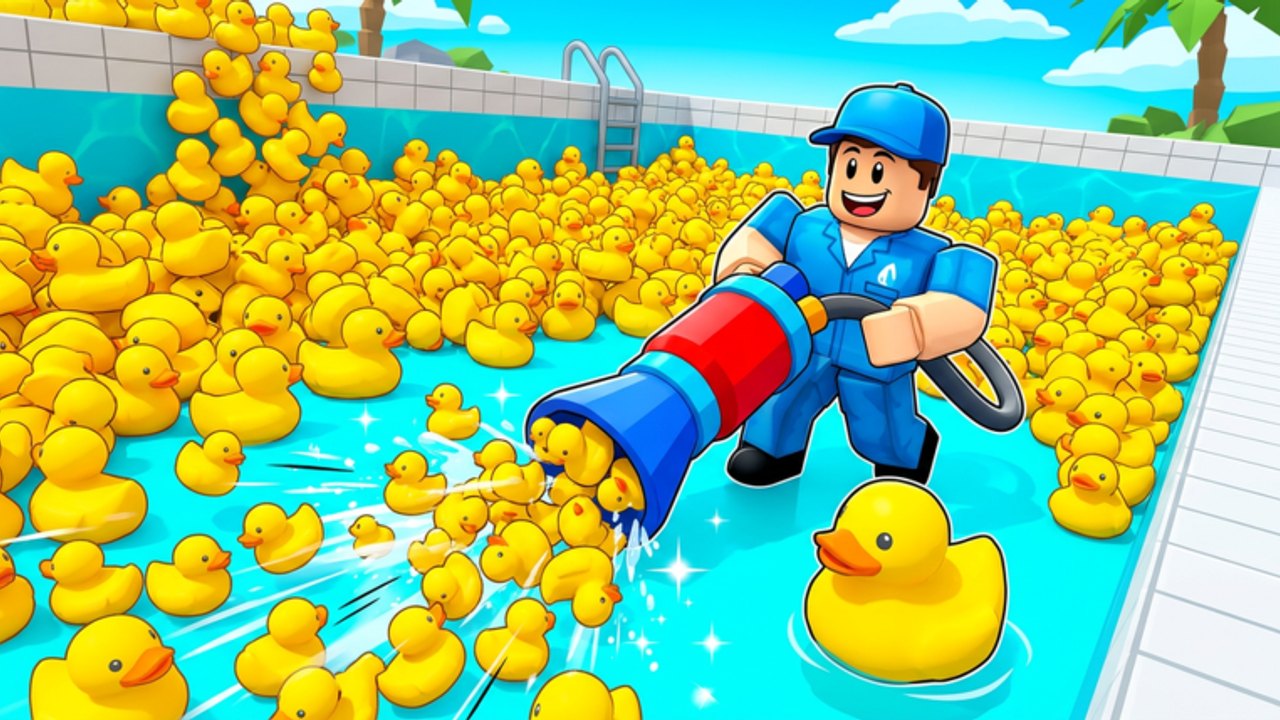
The Players Hub for Clean The Swimming Pool (Roblox experience [CHAPTER 2] Clean The Pool by Felbolt Studios) focuses on controls, device feel, and multiplayer etiquette—not a character roster. This is an incremental duck-scooping cleaner: you move, scoop rubber ducks, cash out at the dumpster, and upgrade speed, storage, and earnings. Understanding how input and server population affect that loop will save you frustration on day one.
Server size and co-op reality
Servers support up to 12 players. Everyone shares the same pool space, so ducks disappear as others scoop them. That is a feature, not a bug: busy servers feel lively and clear water faster, while quieter servers leave more ducks for you to farm alone. Progress (cash, upgrades, tools) stays tied to your account—co-op speeds the environment, not a shared wallet.
If the pool looks empty, hop servers or wait for respawns/refills after major clearing waves. Chapter 2 messaging promises more pools over time; when extra areas open, spreading out across the map reduces bumping into other cleaners. Track those additions on the Updates Hub.
PC controls expectations
On desktop, expect a standard Roblox movement kit wrapped around a scoop tool:
- WASD or arrow keys to run the pool deck and shallow water
- Mouse to aim camera and click/activate your current scoop or cleaner tool
- E or on-screen proximity prompts when the dumpster (or upgrade vendors) are in range
- 1–9 / click hotbar to swap unlocked tools once you own more than the starter scoop
- Shift (if enabled in your Roblox settings) for sprint—pair with speed upgrades for long laps
Camera height matters. A slightly elevated view helps you spot dense duck clusters and rare color variants without constantly spinning. Bind a comfortable camera sensitivity so micro-adjustments do not overshoot when you pivot toward the dumpster.
Mobile and tablet tips
Mobile is fully playable for this genre, but thumb layout decides whether scooping feels smooth or sticky:
- Keep the dynamic joystick on the side you naturally rest your thumb
- Use the jump button sparingly; most value comes from ground pathing, not aerial tricks
- Tap-and-hold tool use should feel responsive—if taps drop, lower graphics slightly for stable frame time
- Pinch-zoom the camera when hunting rares so you can scan the far end of the pool
- After cashing out, double-check you re-equipped your best scoop before sprinting back in
Heat and battery drain are real on long grind sessions. Short breaks also help you notice UI prompts for upgrades you might have ignored while tunnel-vision scooping.
Co-op etiquette on a crowded pool
- Do not body-block the dumpster. Queue your sell, then clear the pad so the next cleaner can cash out.
- Call rares in chat if you are friendly—or at least avoid deliberately camping every sparkle if others are clearly hunting the same duck.
- Upgrade offline of the critical path. Standing AFK in the only entry ramp annoys twelve-player lobbies.
- Respect tool testing. Someone trying a new scoop is not “stealing your lane”; the pool is shared.
- Use private servers (when available via Roblox) for focused grinding if public lobbies feel too contested.
How controls tie into progression
Movement speed upgrades change how far you can roam between dumpster trips. Storage upgrades change how often you must interrupt scooping to sell. Earnings upgrades change how quickly the next tool unlocks. That triangle is why control comfort matters: clumsy camera work wastes the speed you paid for. Study efficient routes in How to Scoop Fast, spend order in Upgrades, and target priorities in Rare Ducks. New players should start with Getting Started and skim the Guides Hub.
Tool feel differs by tier—compare options on the Tier List Hub and Tools Tier List. Codes (when they exist) will not replace good movement; see the Codes Hub for the honest empty list as of November 2026. Skip shady autofarms; the Scripts Hub explains why. Official URLs live on Official Links.
Accessibility and comfort settings
Inside Roblox settings, enable Shift Lock only if it helps your scoop aiming; some players prefer free camera for wide pool scans. Raise UI scale on small phones so the sell prompt is hard to miss. If motion sickness hits from bobbing water, lower camera shake and take seated breaks. Clean The Pool is meant to be satisfying and chill—adjust the client until the loop feels good for your hands.
Master controls first, then let upgrades multiply every clean lap. That is how you stay competitive on a full 12-player server without needing macros.
Frequently Asked Questions
Quick answers about Clean The Swimming Pool.
How many players can join one Clean The Pool server?
Servers support up to 12 players. Everyone scoops the shared pool, but cash, upgrades, and tools remain per account.
What are the basic PC controls?
Use WASD to move, mouse to look and activate your scoop, and proximity prompts (often E) at the dumpster and upgrade stations. Hotkeys swap tools once unlocked.
Does Clean The Pool work well on mobile?
Yes. Tune the on-screen joystick, keep a clear view of duck clusters, and re-equip your best tool after selling. Lower graphics if taps feel delayed.
Any co-op etiquette tips?
Do not block the dumpster, avoid AFK camping choke points, and give others space when hunting rares. Use a quieter or private server if public lobbies feel too contested.
Is this hub a character roster?
No. For Clean The Pool the Players category covers controls and multiplayer. Progression details live under Guides, Tier List, and Updates.